
Multi-Factor Authentication
A leaked password stops being an emergency the moment something else stands behind it. The real decision is whether that second factor lives on the phone in your pocket or on a key next to it.
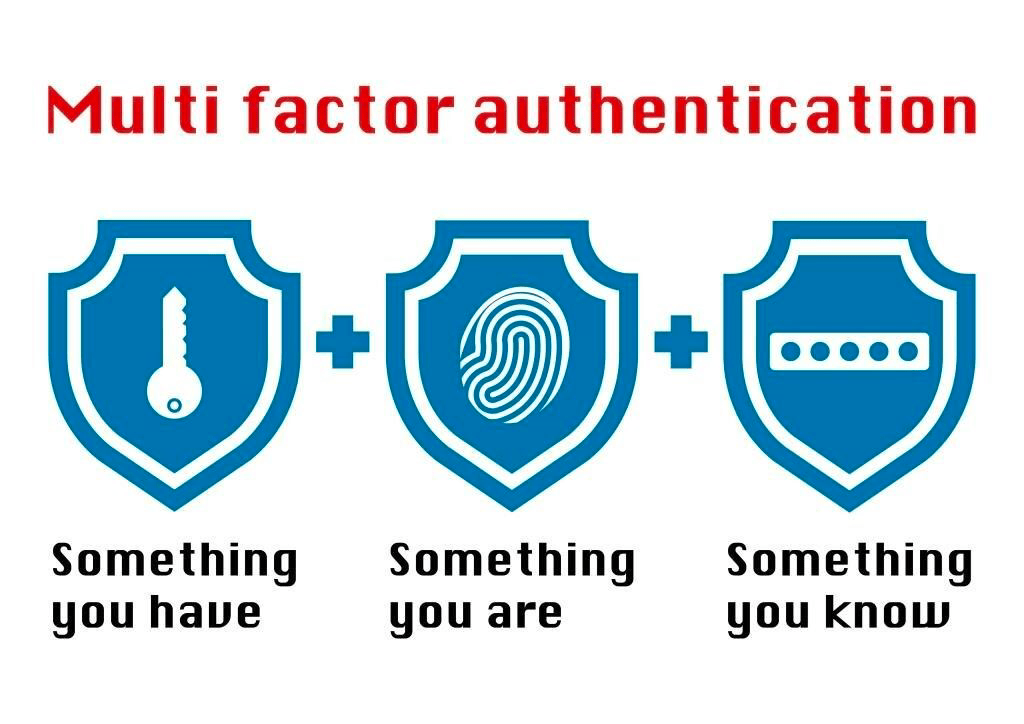
The world of technical threats and nefarious actors is mitigated by the convergence of two fields of research; Cyber Security & Digital Privacy. With the active use of best practices in these fields, we can begin to gain control of our digital signatures, manage our digital footprints, and project a beneficial picture of attribution. One of the most critical pieces of cyber security is Multi-Factor Authentication MFA). It is known as Two Factor Authentication (2FA) when using only two forms. It matters because you have a second layer of security even when your password is hacked, leaked, or exposed in a breach. Access to your account is impossible without the second form of authentication. Below are some methods to implement this and significantly increase your security.
Software One Time Password (OTP)
Google Auth – Lastpass Auth – Authy:



These apps are set up by scanning a QR code or manual entry from the website that starts a revolving number to provide at the time of log-in. The OTPs then serve as “something you have” and combined with your password, “Something
you know” makes accounts much more secure.
These apps are set up on a single mobile device
and locked to that one.
Con: They are software only and subject to the
vulnerabilities of the device running the software
Hardware Security Key
Yubico – Google Titan – Thetis Fido:
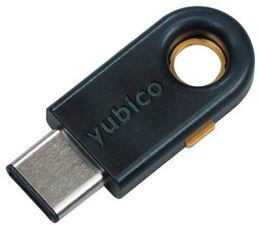
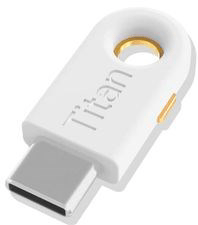
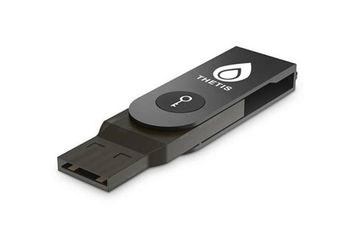
These keys generate a random string of letters
and numbers each time used that are then verified with a server allowing verification of you as a user. They cost about $50. These devices are USB and highly secure. They work on mobile devices as well as computers. Users must maintain possession of these devices.
Con: As a USB device, they might not always be able to go where needed. They might not work in the device it is needed in.
The easiest to set up is the Software One Time Password. Navigating to the website, going into the security, looking for 2 Factor of 2 Step Verification, and proceeding from there. This will generally get you into the right place. Most of the time, a simple google search will help if you get stuck.